 Türkçe
 English
 Français
 Deutsch
Everything is in folders, nothing is tagged
Files scattered across different disks over the years, with no naming standard, can only be found through the memory of the person who shot them.

Software
Find “that frame” or “that sentence” among thousands of hours of video and audio in seconds instead of minutes.
In brief
It is web-based software in which an organisation’s video, audio, photos and digital documents are stored in one place, can be searched by content and exported in the format needed. It does not depend on file names or folders: face recognition, speech-to-text and advanced search let you query the content itself.
The problem
Files scattered across different disks over the years, with no naming standard, can only be found through the memory of the person who shot them.
Finding a person in photos and videos means watching them by hand. Face recognition lists the frames in which the same person appears.
When speech is converted to text, audio and video become a source that can be searched by word.
Broadcast, web and social media each require different formats. Conversion is done inside the software; the file does not have to be moved to another tool.
Instead of watching the whole recording, key moments are marked and the required section is cut.
You type a person’s name, a word, a date or a scene description into the search box, and the system lists matching photos, videos and audio recordings. In large archives, this is where the real gain appears.
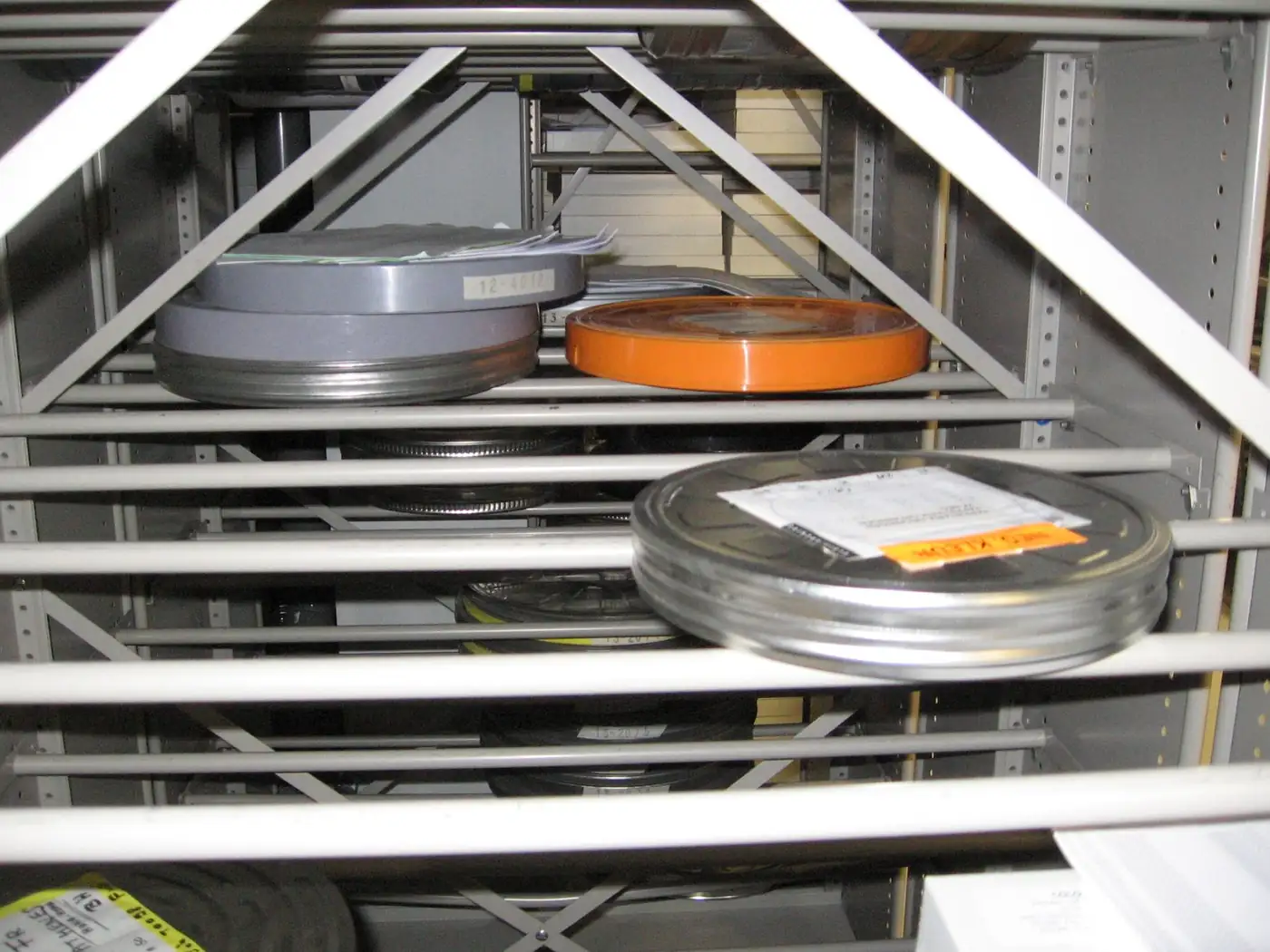
Content that is found is often not used as it is. A section of the video is cut, key moments are marked and the file is converted to a format suited to the target platform.
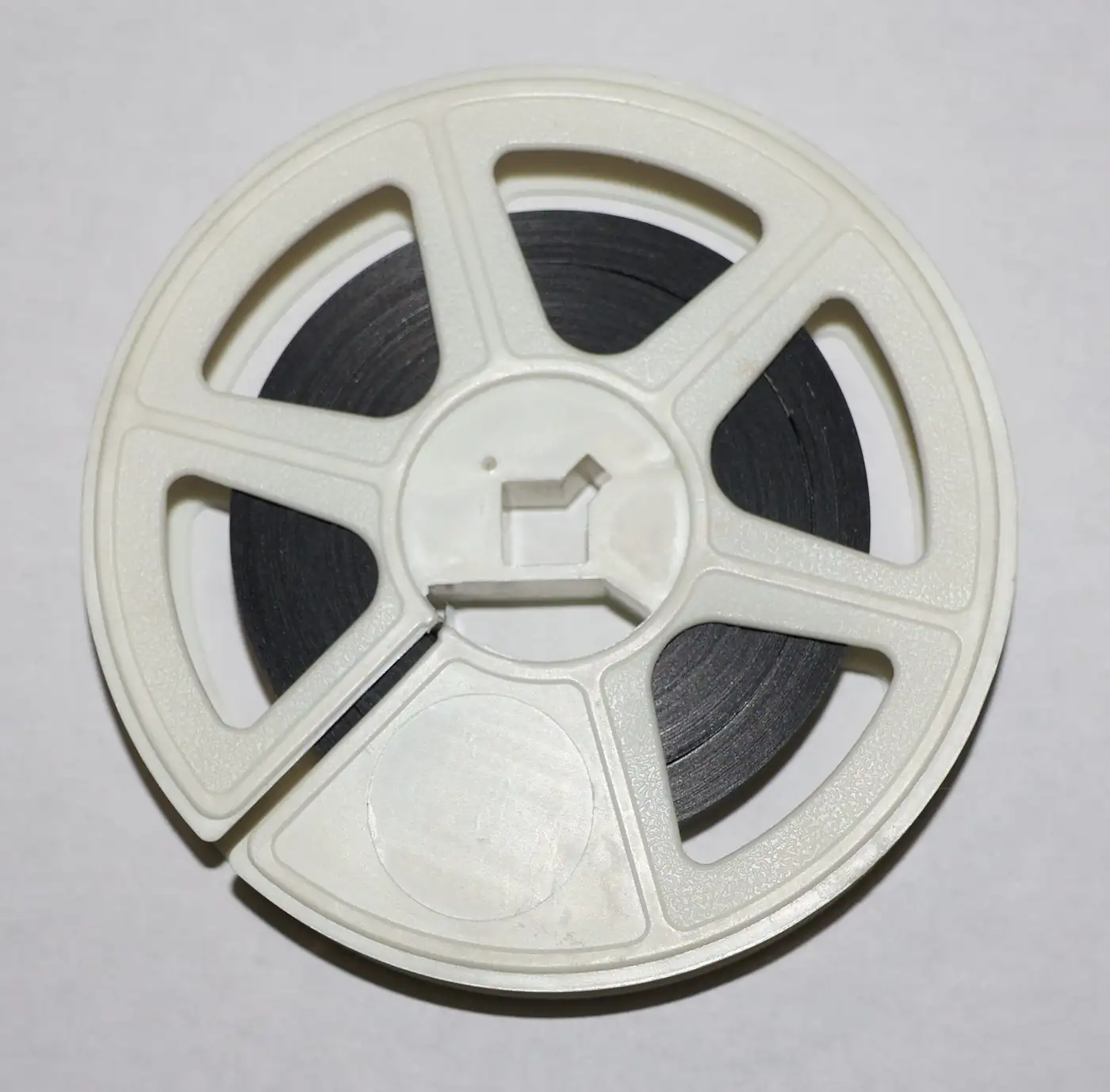
Content can be linked to the place where it was shot and can also be found on a map. Who can see which collection is determined by dynamic authorisation.

Infrastructure
Users work in the browser; no client installation is required.
Runs on a modern, scalable infrastructure that can be expanded for large archives.
Secure sign-in with organisation accounts; permissions are managed centrally.
Opens the door to data exchange with other software such as broadcast automation and newsroom systems.
Setup
Which content is on which disk, in which format and roughly how much: this is mapped out.
If there are physical recordings such as film, tape or slides, they are first transferred to digital.
Collections, user roles and access limits are defined.
Files are imported into the system, and face recognition and speech-to-text processes are run.
Teams are trained in the search, trimming and export workflow.
Use cases
Access to the broadcast archive by programme and date within seconds.
Press conferences, events and promotional films are preserved as institutional memory.
Lecture recordings, conferences and event footage are managed in a central structure.
Interviews, commercials and the photo archive are brought together in one place.
A media archive requires data and legal preparation before the software. The points below speed up the quoting process.
FAQ
Video, audio, photos and digital documents. Common formats are supported and automatic conversion between them is performed when needed.
The system automatically finds photos and videos in which a person appears. Because facial data is considered special-category personal data, the legal basis and scope of its use should be determined together with your organisation’s legal department.
Speech in audio and video recordings is converted to text and can be searched by word. The question “In which recording did we use this phrase?” is answered in seconds instead of minutes. Accuracy depends on recording quality.
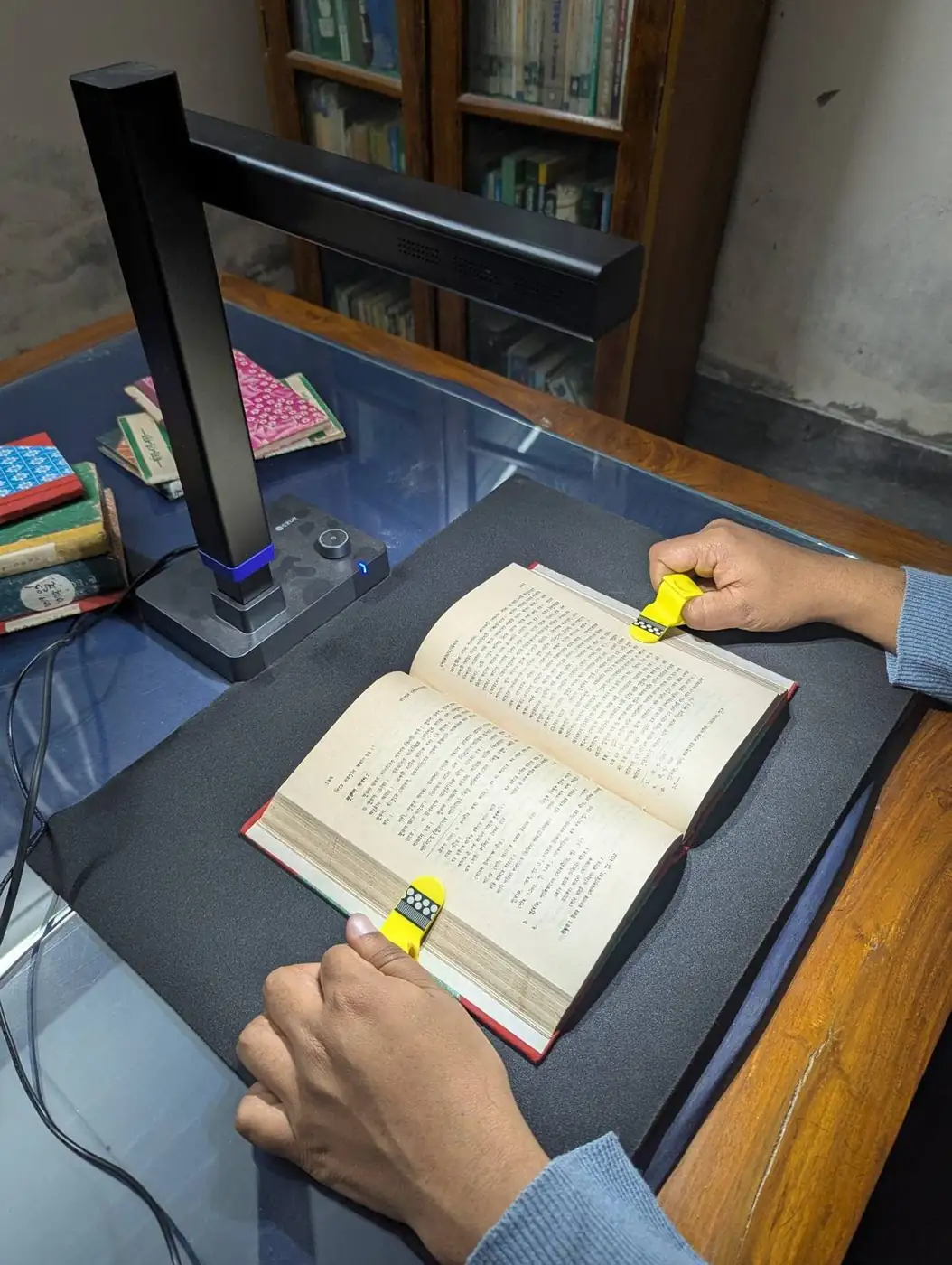
The software manages digital files. Physical recordings such as film, tape and slides must first be transferred to digital; you can use our digital archive service for this.
Yes. LDAP and Active Directory integration is available; authorisation is dynamic.
The software is designed for large-scale archives and runs on .NET Core. An exact capacity plan is prepared before installation, once the volume and number of users are known.
Our software products
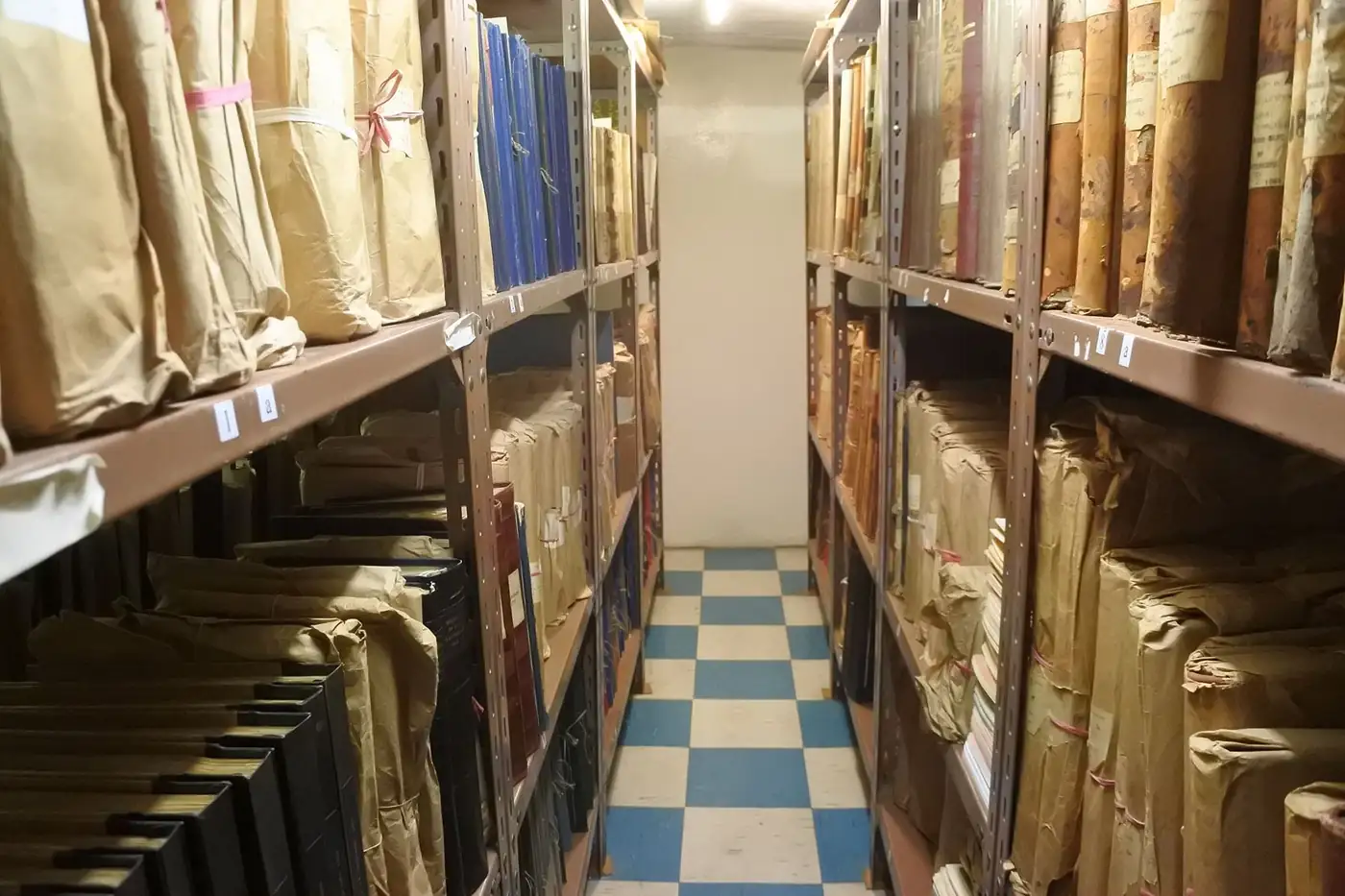
File plan, location, loan-return and destruction tracking for printed archives.
Screenshot-based archive of X, Instagram, Facebook and YouTube posts.
Turns books, theses and periodicals into a searchable digital collection with OCR.
Next step
Tell us about your organisation’s needs and your existing infrastructure, and we will define the product, installation, training and support in a single proposal.
Your organisation, number of users and requirements.
See the product in action with your own scenario.
Scope, timeline and support are provided in writing.