 Türkçe
 English
 Français
 Deutsch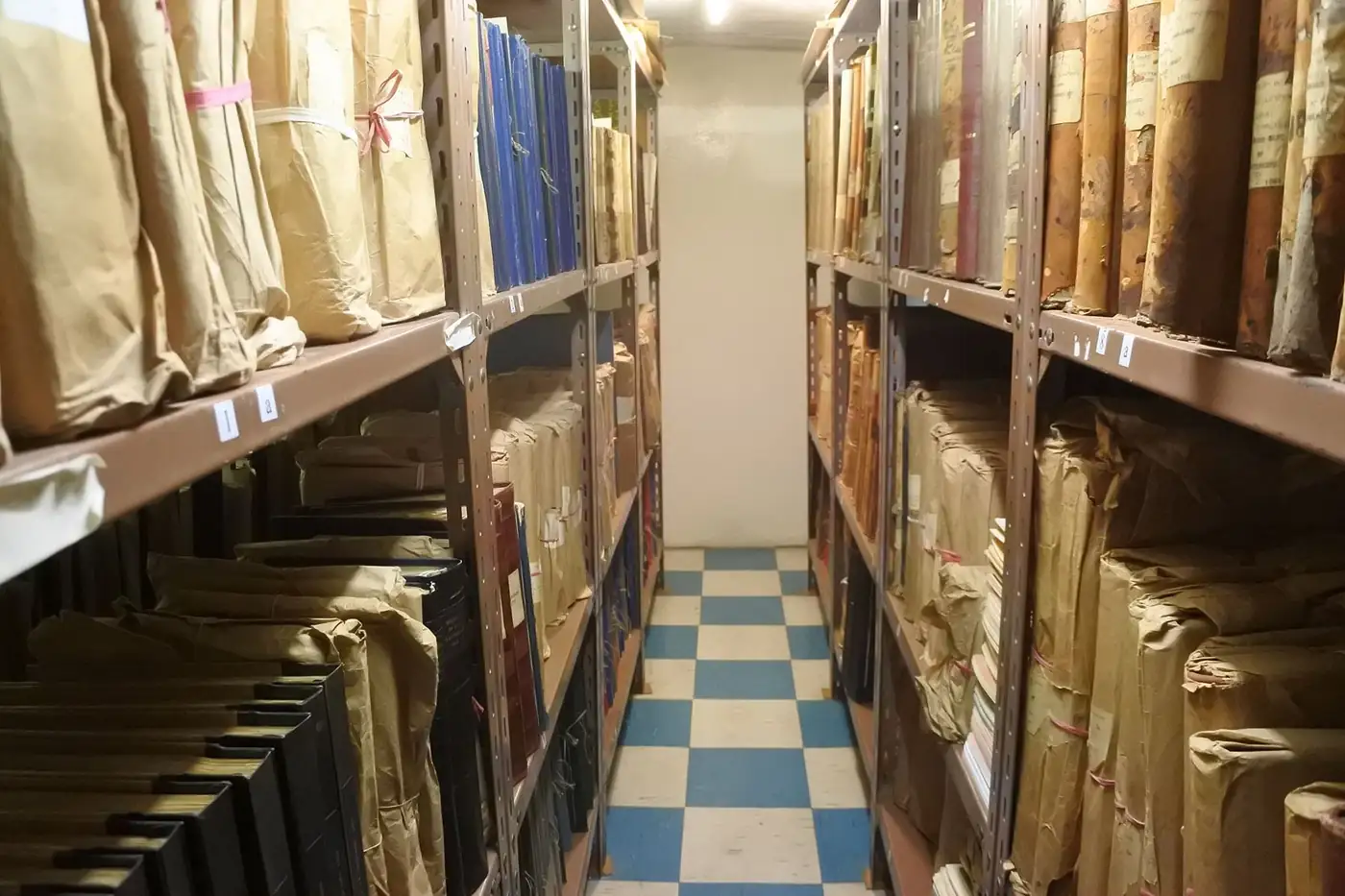
The document exists but cannot be found
A register book or Excel list does not tell you which room or shelf a document is on. In the software, each file’s record card and location are kept together.

Software
A digital record card for your paper archive: where every file is, who holds it and when it will be destroyed, all on a single screen.
In brief
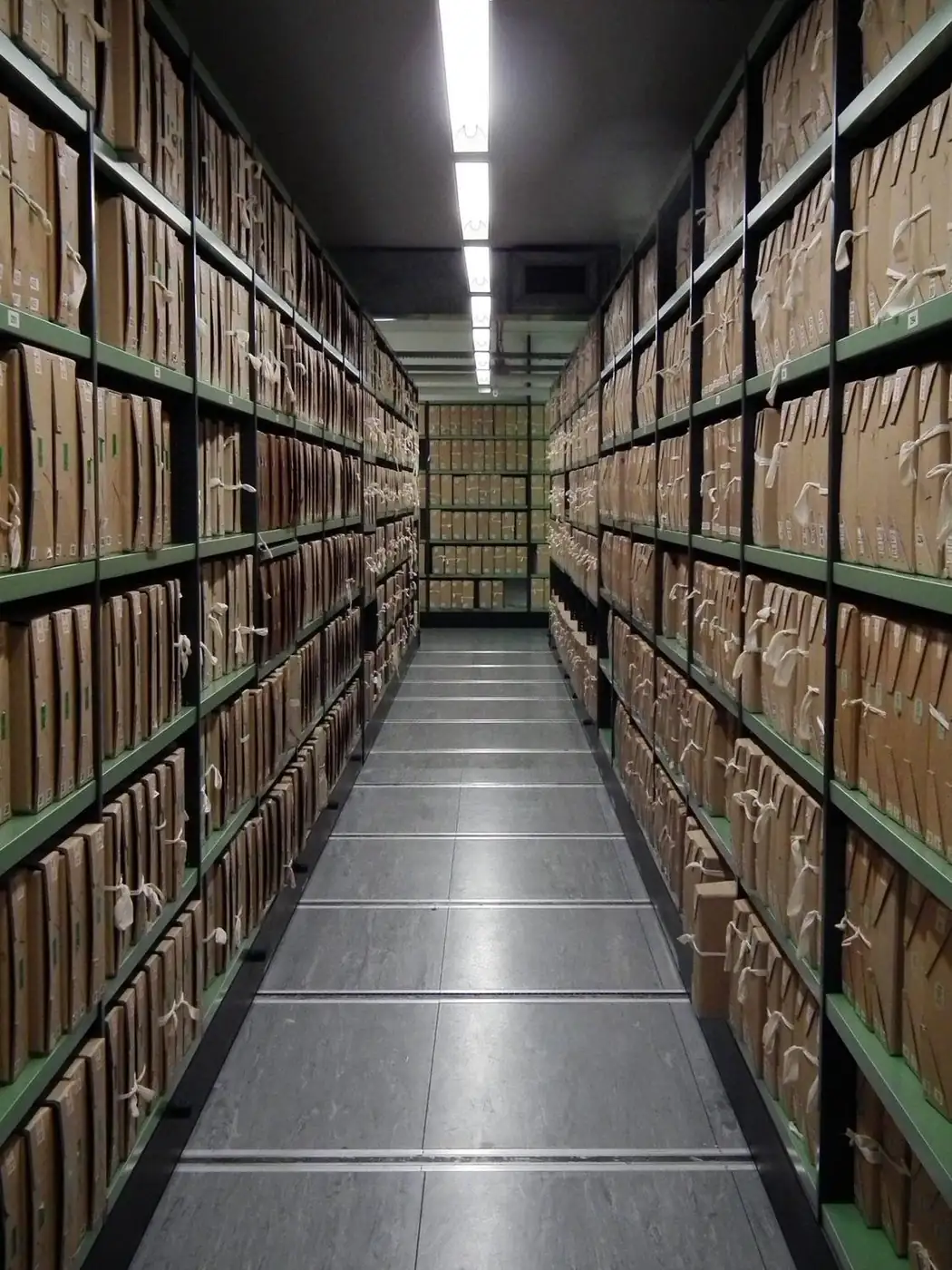
It is web-based software in which printed documents and files are registered, their physical location (room, shelf, box) is tracked, they are lent out and returned, and they are destroyed once the retention period expires. Scanned copies can be linked to the record, but the software’s main job is to keep the paper archive orderly, traceable and audit-ready.
The problem
A register book or Excel list does not tell you which room or shelf a document is on. In the software, each file’s record card and location are kept together.
When a borrowed file does not come back, the search begins. Who took it, when, and the return date are all recorded.
Documents past their retention period either take up space for years or are discarded too early. The destruction module ties the retention period to the system.
When units file differently, the organisation’s archive cannot be consolidated. A standard file plan enforces a single structure.
With role-based permissions, each user sees only the records they are authorised to access.
Each document is registered with a record card and linked to its place in the standard file plan. The physical location sits in the same record, so a document found on screen can also be found on the shelf.
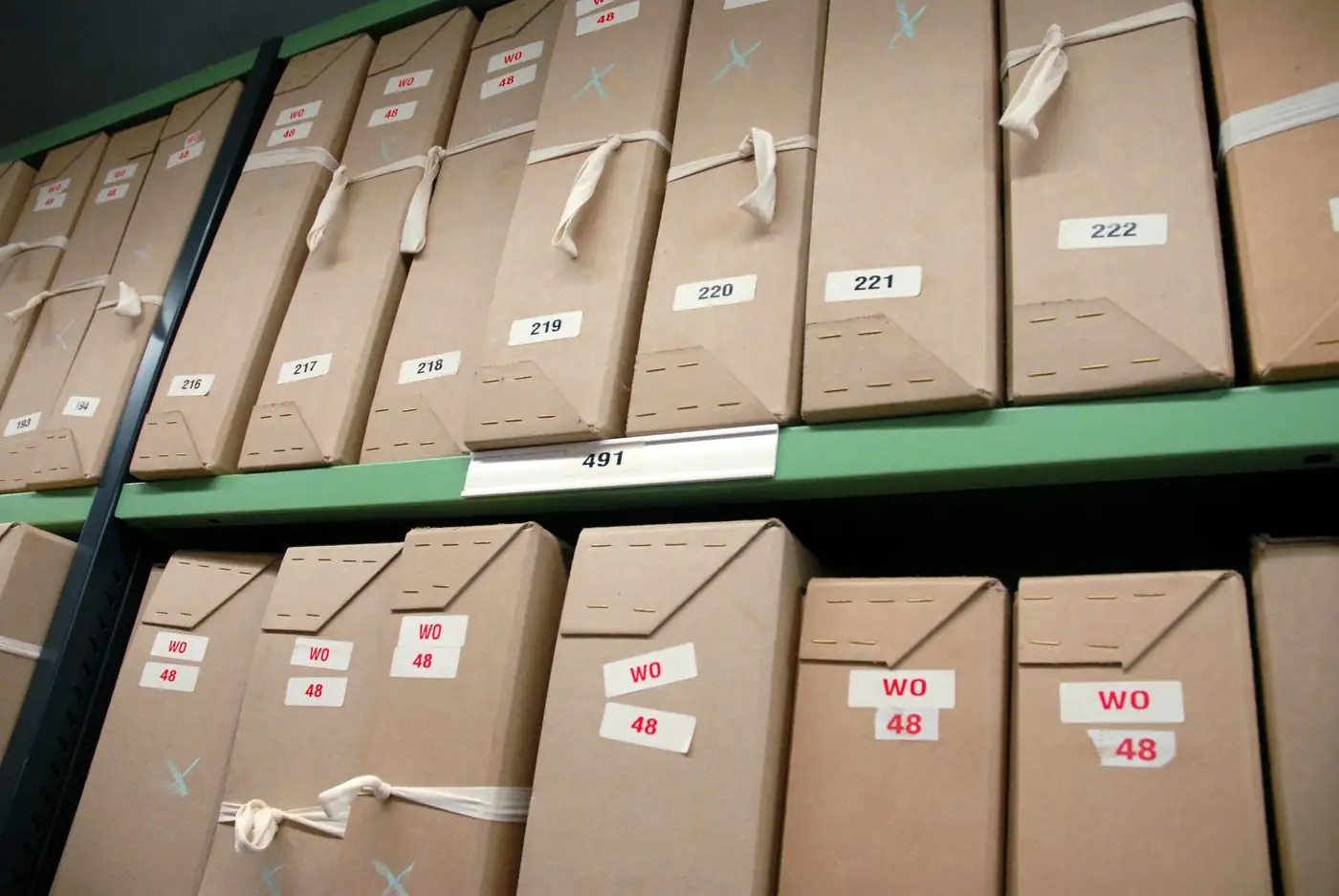
When a document leaves the archive, who has it and when it is due back are recorded. When the retention period ends, the document goes onto the destruction list and the process is recorded.
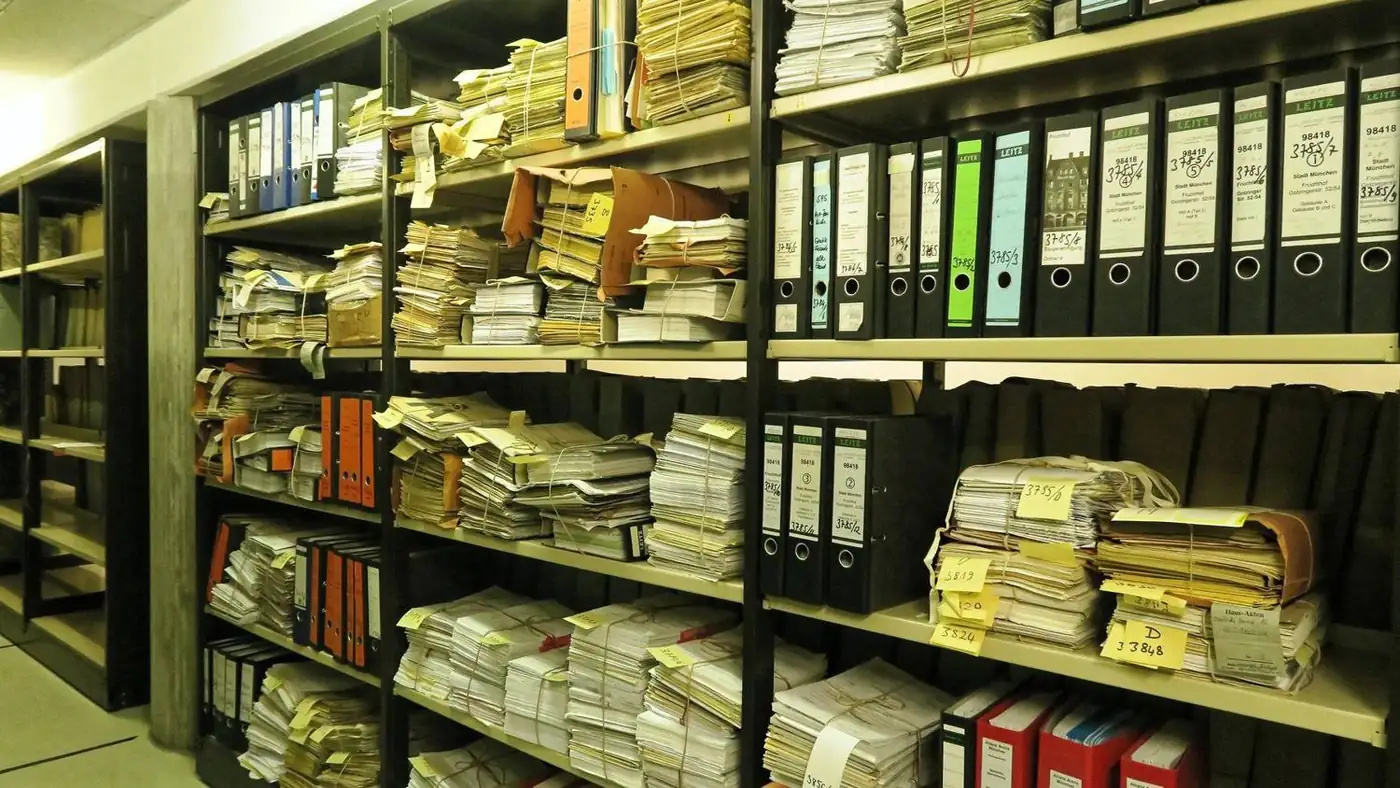
Archive work involves more than one person. Tasks are assigned to users, the permission structure determines who can see and change what, and the announcement area keeps the team informed.
Infrastructure
Runs in the browser; no separate installation on each computer. Screens are HTML5-compliant and responsive on mobile devices.
Runs on SQL Server or Oracle and adapts to your organisation’s existing database infrastructure.
Users sign in with their organisation account; no separate password management is needed.
Fields, lists and screens are adapted to your organisation through settings rather than coding.
Setup
The file plan your organisation uses, its units and document types are mapped out.
Units, users, roles and retention periods are entered into the system.
Existing record lists are organised; if necessary, documents are barcoded and scanned.
We start with one unit and test the screens and workflows in the field.
Other units are added, users are trained and the support process begins.
Use cases
Organises official correspondence according to the standard file plan and carries out destruction processes on record.
Provides role-based access to student files, academic documents and administrative correspondence.
Organises heavy document traffic and quickly retrieves the record requested in an audit.
Makes loan-return and document location traceable from a single system.
If you have answers to the questions below before requesting a quote, the installation time and scope can be defined much more precisely.
FAQ
No. A digital archive is the service of scanning and indexing documents. Document archive management software is the system that manages the registration, location, loans and destruction of the printed archive; scanned copies can be linked to this record. The two can be installed together.
First, an inventory is made: which document type, in which unit, and how much. Then retention periods and the file plan are defined, and the software is built on top of that structure. Importing a disorganised archive into software as it is only makes the problem bigger.
A retention period is defined for each document type. Documents whose period has expired are reported and placed on the destruction list. Because the decision and action are recorded, they can be audited afterwards.
Yes. Active Directory integration is available; users sign in with their organisation accounts and permissions are set through roles.
Yes. Thanks to dedicated screens for unit and institutional archives, you can start with one unit and add the others later.
Yes. Installation, user training and subsequent support are provided by the same team. Hardware needs such as barcodes, scanners and servers can be included in the same proposal.
Our software products
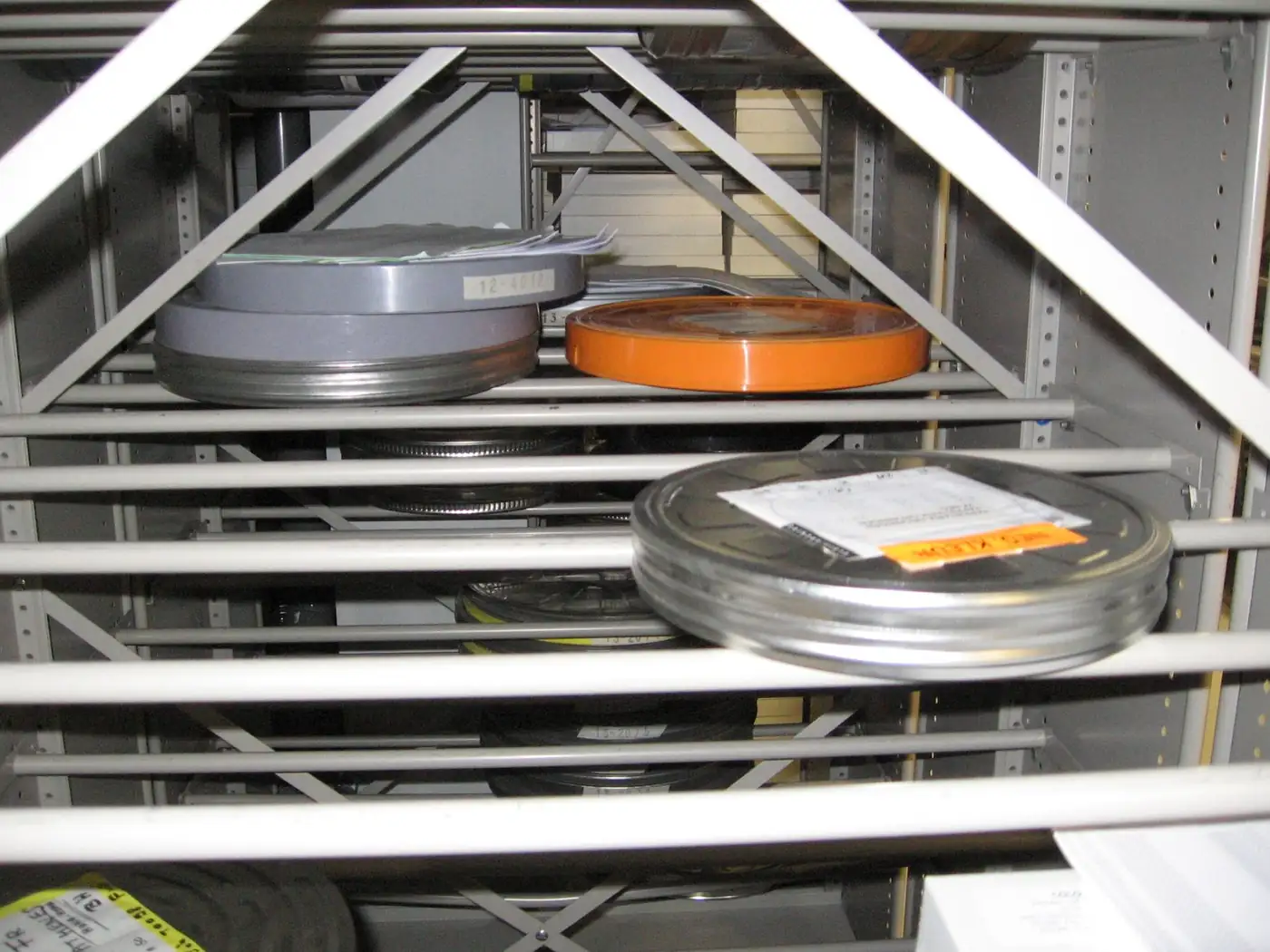
Face recognition and speech-to-text search across video, audio and photos.
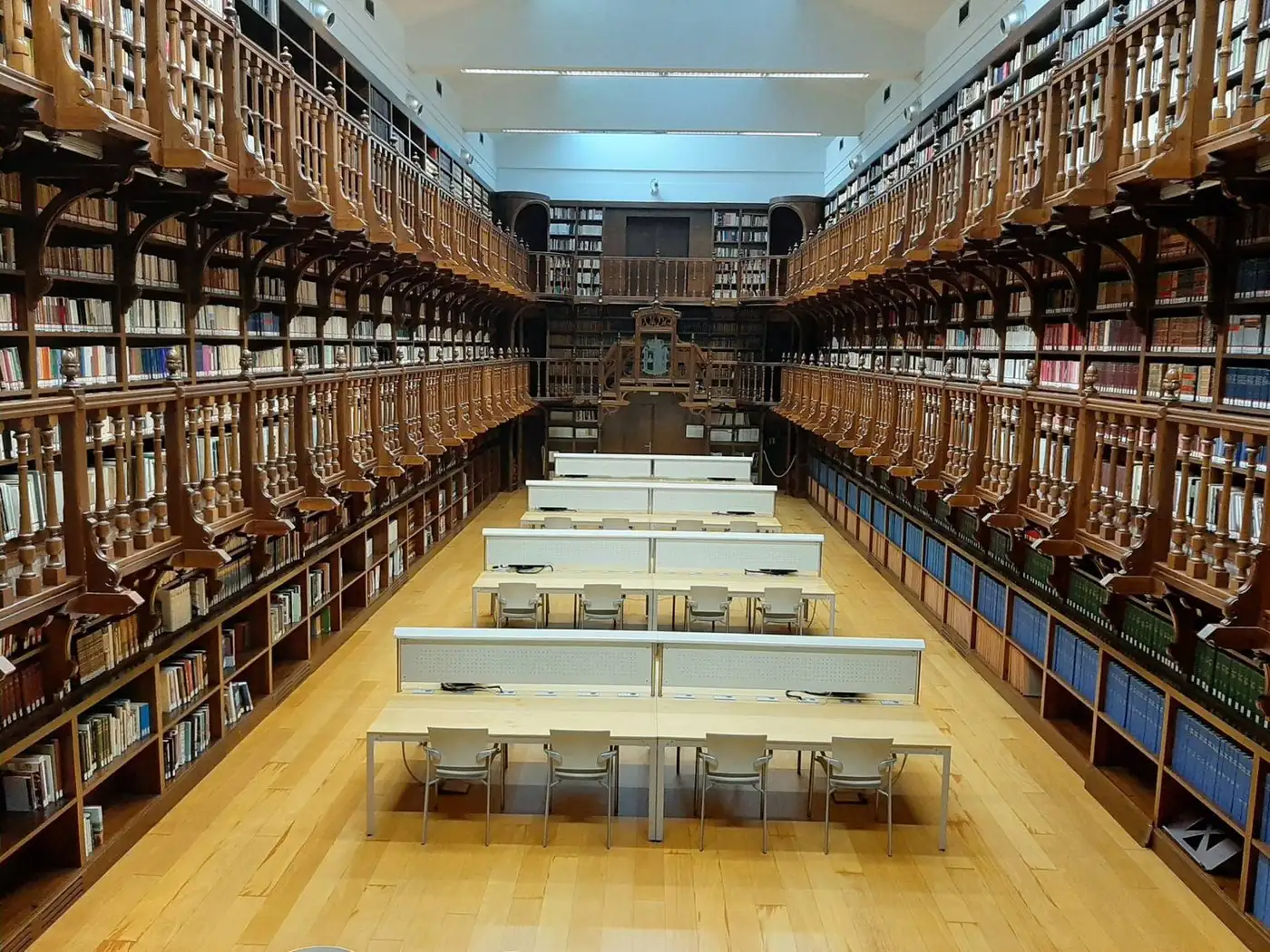
Turns books, theses and periodicals into a searchable digital collection with OCR.
RFID-tag tracking of fixed-asset assignment, transfer and stocktake.
Next step
Tell us about your organisation’s needs and your existing infrastructure, and we will define the product, installation, training and support in a single proposal.
Your organisation, number of users and requirements.
See the product in action with your own scenario.
Scope, timeline and support are provided in writing.