 Türkçe
 English
 Français
 Deutsch
Stocktakes take weeks
Assets are ticked off one by one by hand, and all units grind to a halt at year-end.

Software
Which asset is where, with whom and in what condition: stocktakes take hours instead of weeks, and assignment records stay up to date automatically.
In brief
It is web-based software that tracks the lifecycle of fixed assets, equipment and movable assets, from purchase to disposal, from a single point. Each asset is identified with a tag; its location, custodian, and maintenance and transfer history are recorded. Stocktakes are carried out contactlessly with an RFID handheld terminal.
The problem
Assets are ticked off one by one by hand, and all units grind to a halt at year-end.
Items change hands between units but the list is not updated. Without a transfer record, there is no accountability.
In an audit, assets that appear on the list but are not in the field (or vice versa) waste hours.
Without answers to how old each device is and how many times it has failed, investments are guesswork.
An asset’s cost, risk and disposal process are not tracked in the same place.
Assets are identified with RFID tags. During a stocktake, you walk through rooms with a handheld terminal; tags are read contactlessly and compared with the system record. Mobile stocktaking is supported by an Android app.
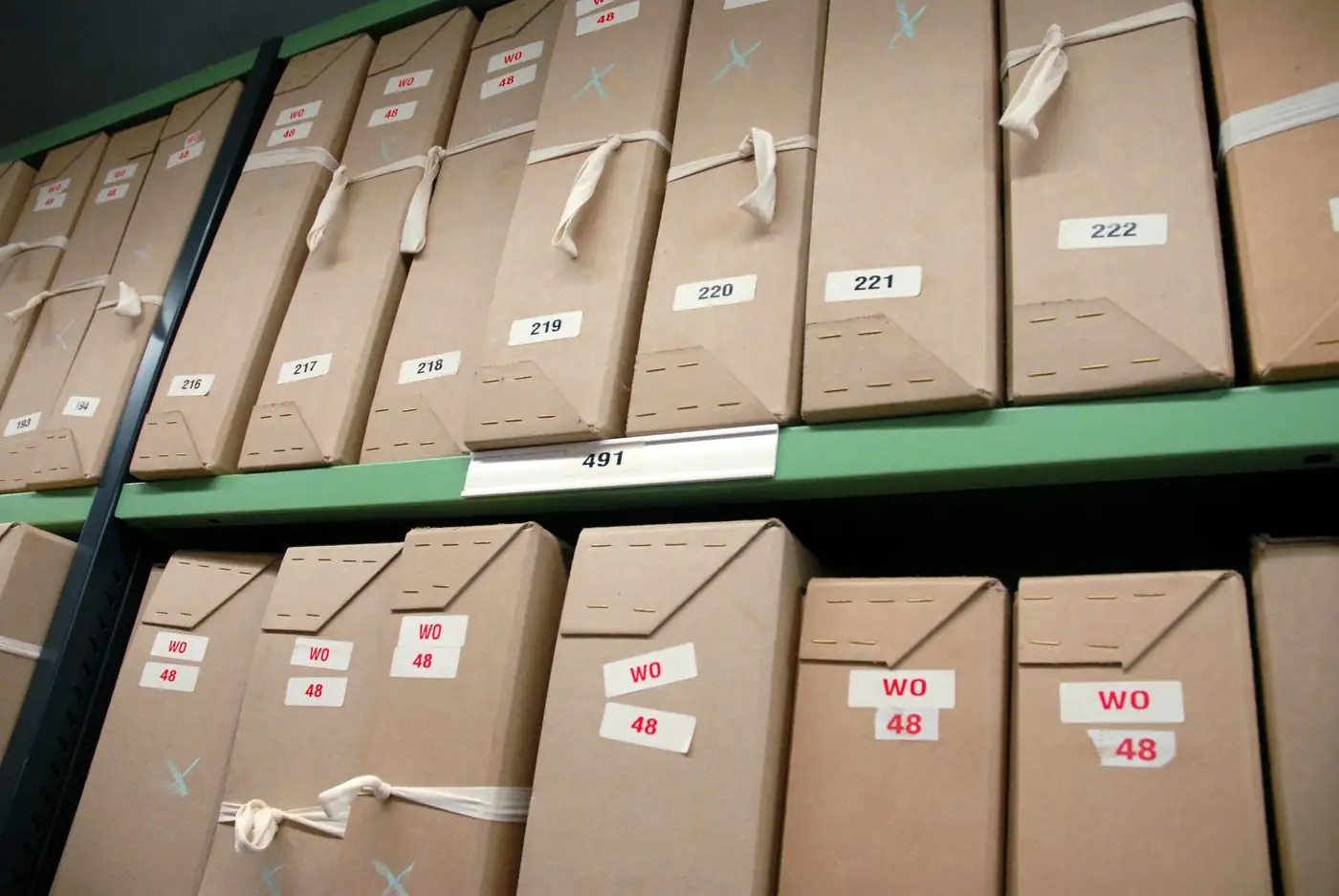
The transfer of an asset from one person or unit to another is recorded with the date, the person responsible and the reason. This way, the asset’s history can always be traced.
Events such as maintenance due dates, transfer approvals and abnormal situations are sent to the relevant people by email and SMS. The accumulated records become input for cost, risk and investment planning.
Infrastructure
A portable device for stocktakes and tag reading in the field.
Label design and printing; selection of labels suited to the asset type.
Runs in the browser; screens are mobile-friendly and the interface is flexible to suit your organisation.
Sign-in with an organisation account, dynamic authorisation and integration with other systems.
Setup
It is decided which asset types will be tracked and which fields will be kept.
Existing lists are imported into the system and verified in the field.
RFID labels are printed, attached to assets and matched with the records.
Who takes over which asset and who approves: the workflow is defined.
The first stocktake is carried out with the terminal; users are trained in the field.
Use cases
Movable property records and the fixed-asset inventory are kept in a central system; stocktakes and audits become faster.
Assignment and location tracking of laboratory, office and teaching equipment is handled in a single system.
Machinery and equipment are tracked with RFID; maintenance and renewal are planned.
The location and maintenance history of medical devices can be viewed centrally.
RFID may not be necessary for every asset. These points make a difference when deciding.
FAQ
The entire lifecycle of the asset: classification, stocktake, location and assignment tracking, cost and risk management, investment planning, analysis and disposal.
A unique tag is assigned to each asset. When scanning with a handheld terminal, the tag is read contactlessly and the asset’s location and status are updated.
The time varies with the number of assets, the type of tag and the location. Because contactless reading removes the need to see assets one by one, it noticeably shortens the stocktake; the exact time is estimated after the discovery visit.
Events such as maintenance due dates, transfer approvals and abnormal situations are sent to the relevant people by email and SMS.
Transfers are logged with the date, the person responsible and the reason; the asset’s entire history can be queried.
The software works with RFID handheld terminals and label printers; label design and printing are also part of the service. Hardware needs can be included in the same proposal as the software.
Our software products
File plan, location, loan-return and destruction tracking for printed archives.

Corporate directory, custom fields and bulk email and SMS to groups.
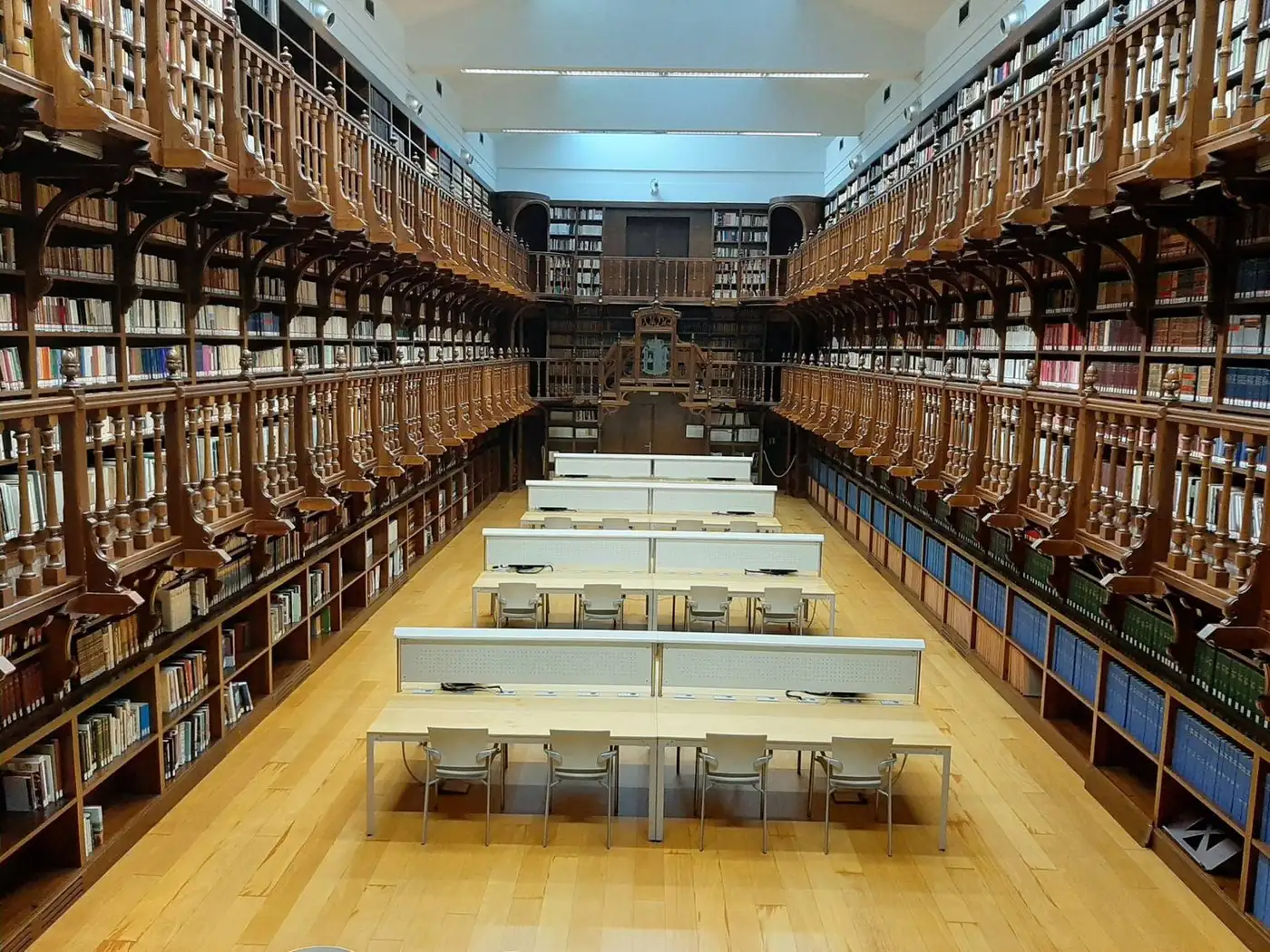
Turns books, theses and periodicals into a searchable digital collection with OCR.
Next step
Tell us about your organisation’s needs and your existing infrastructure, and we will define the product, installation, training and support in a single proposal.
Your organisation, number of users and requirements.
See the product in action with your own scenario.
Scope, timeline and support are provided in writing.