 Türkçe
 English
 Français
 Deutsch
Everyone has their own address book
Contact details sit on employees’ phones, in their mailboxes and in files on their desktops; when an employee leaves, the information goes with them.

Software
A single organisational directory, visible according to permissions, in place of scattered address books; announcements go out from the same screen.
In brief
It is web-based software in which an organisation gathers the details of the people and organisations it deals with in a single digital directory, enriches them with organisation-specific fields, restricts access to sensitive information through roles, and sends bulk email and SMS to selected groups from the same screen. It is not a sales pipeline (CRM) tool but a corporate directory and communication tool.
The problem
Contact details sit on employees’ phones, in their mailboxes and in files on their desktops; when an employee leaves, the information goes with them.
An update is made in only one copy, and the others go out of date.
For invitations or announcements, lists are merged by hand and no sending record is left.
Some records should be seen only by certain people; this is not possible in a shared file.
An address book is limited to name and phone; corporate fields such as membership date or responsible unit have nowhere to go.
People and organisations are kept in one place. An update is made once and everyone sees the current record.

Roles are assigned to users and groups; sensitive fields are opened only to authorised people. Even when the directory is used by many people, personal data stays under control.

You select a person or group from the directory, write the message and send it as an email or SMS. The sending history is kept in the system.

Infrastructure
Runs in the browser; mobile-friendly, flexible interface.
Sign-in with an organisation account.
For sharing directory data with other corporate software.
Fields and screen layout are adapted to your needs.
Setup
Scattered lists, email address books and Excel files are collected.
It is decided which information will be kept and which fields will be open to whom.
Duplicate records are merged and clean records are imported into the system.
Email and SMS sending permissions, the approval workflow and sending channels are defined.
The team that will use the directory is trained on the search, grouping and sending screens.
Use cases
Delivers announcements, invitations and notifications to large numbers of people.
Keeps employee and stakeholder contact details and restricts access.
Manages the stakeholder directory and delivers official announcements quickly.
Updates member details and sends event and membership-fee reminders.
A directory contains personal data, and sending bulk messages is subject to regulation. The following points should be clarified before installation.
FAQ
It manages people and organisation records and enables bulk communication; it does not focus on sales-oriented CRM features such as opportunity, quote and sales pipeline tracking. If what you need is a corporate directory and bulk notifications, it is the right tool.
Organisation-specific information beyond name, phone and email (such as membership date, responsible unit or title type) can be defined, so the directory fits your organisation’s own language.
You select a person or group from the directory, write the message and send it as an email or SMS. The sending history is kept in the system.
Roles are assigned to users and groups; only authorised people can access sensitive fields.
Lawful processing of the data in the directory and recipient consent for commercial messages are the organisation’s responsibility. The software makes this responsibility easier to manage by providing role-based access and a sending record.
Yes. LDAP and Active Directory integration is available.
Our software products
Screenshot-based archive of X, Instagram, Facebook and YouTube posts.
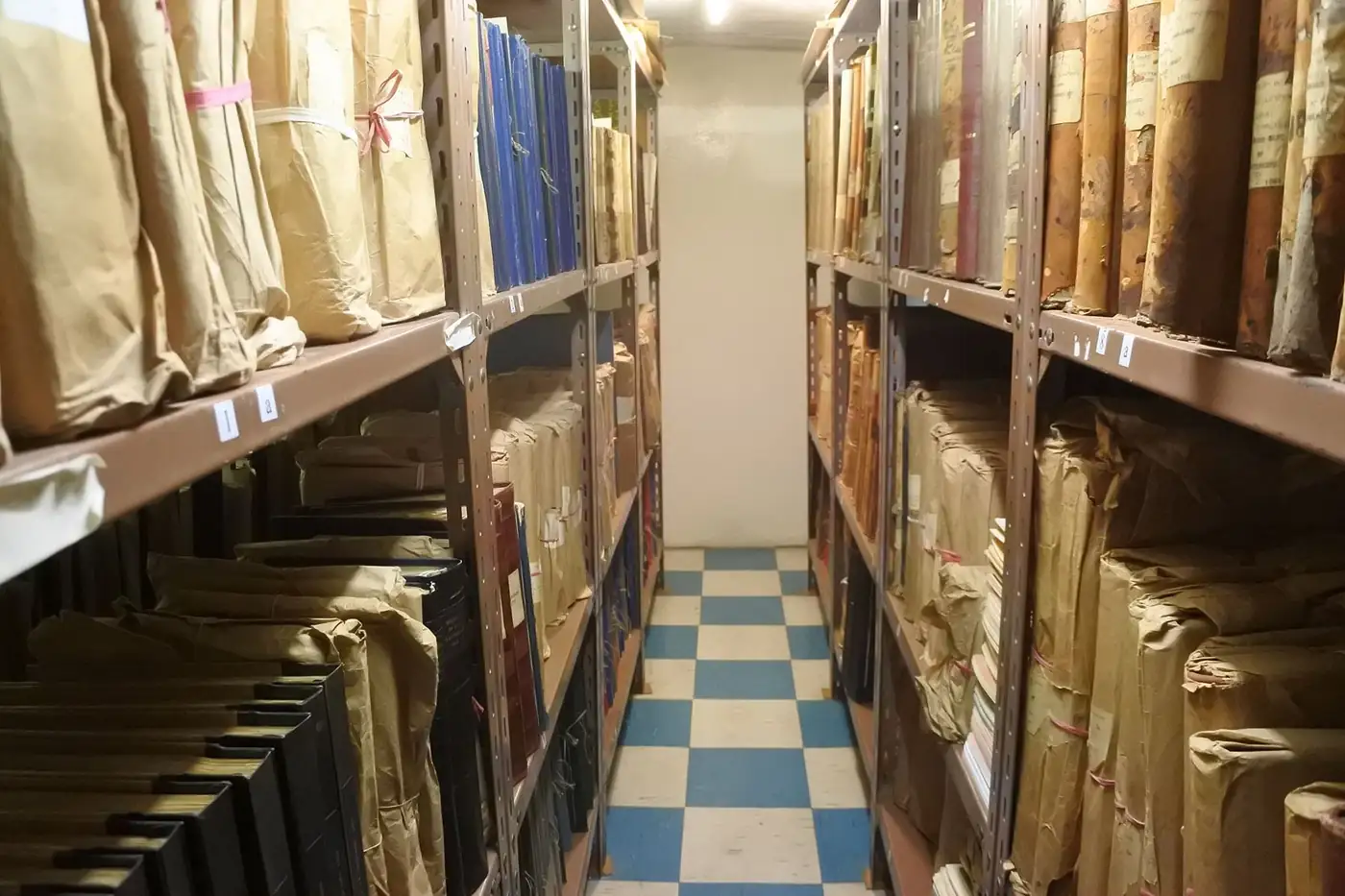
File plan, location, loan-return and destruction tracking for printed archives.
RFID-tag tracking of fixed-asset assignment, transfer and stocktake.
Next step
Tell us about your organisation’s needs and your existing infrastructure, and we will define the product, installation, training and support in a single proposal.
Your organisation, number of users and requirements.
See the product in action with your own scenario.
Scope, timeline and support are provided in writing.