 Türkçe
 English
 Français
 Deutsch
Scanning is done, but searching has not begun
You cannot search inside an image PDF; users still have to browse page by page.

Software
Make a scanned collection easier to find than on a shelf: full-text search, subject tags and authorised access.
In brief
It is digital collection management software in which digitised books, theses, periodicals and archive materials are uploaded via the web, converted into searchable PDFs with OCR, classified with subject–type–collection tags and authorised by user and group. Its focus is not book lending or catalogue automation, but the searchability and protection of the digital collection.
The problem
You cannot search inside an image PDF; users still have to browse page by page.
Unless materials are classified by collection, type and subject, they get lost within the same folder.
High-volume scans get stuck in ordinary form uploads.
Rare works and restricted materials need access limits.
If upload, change and deletion records are not kept, the collection loses its reliability.
Uploaded material automatically goes through OCR and becomes a searchable PDF. Searches are made not only in titles but in the content.
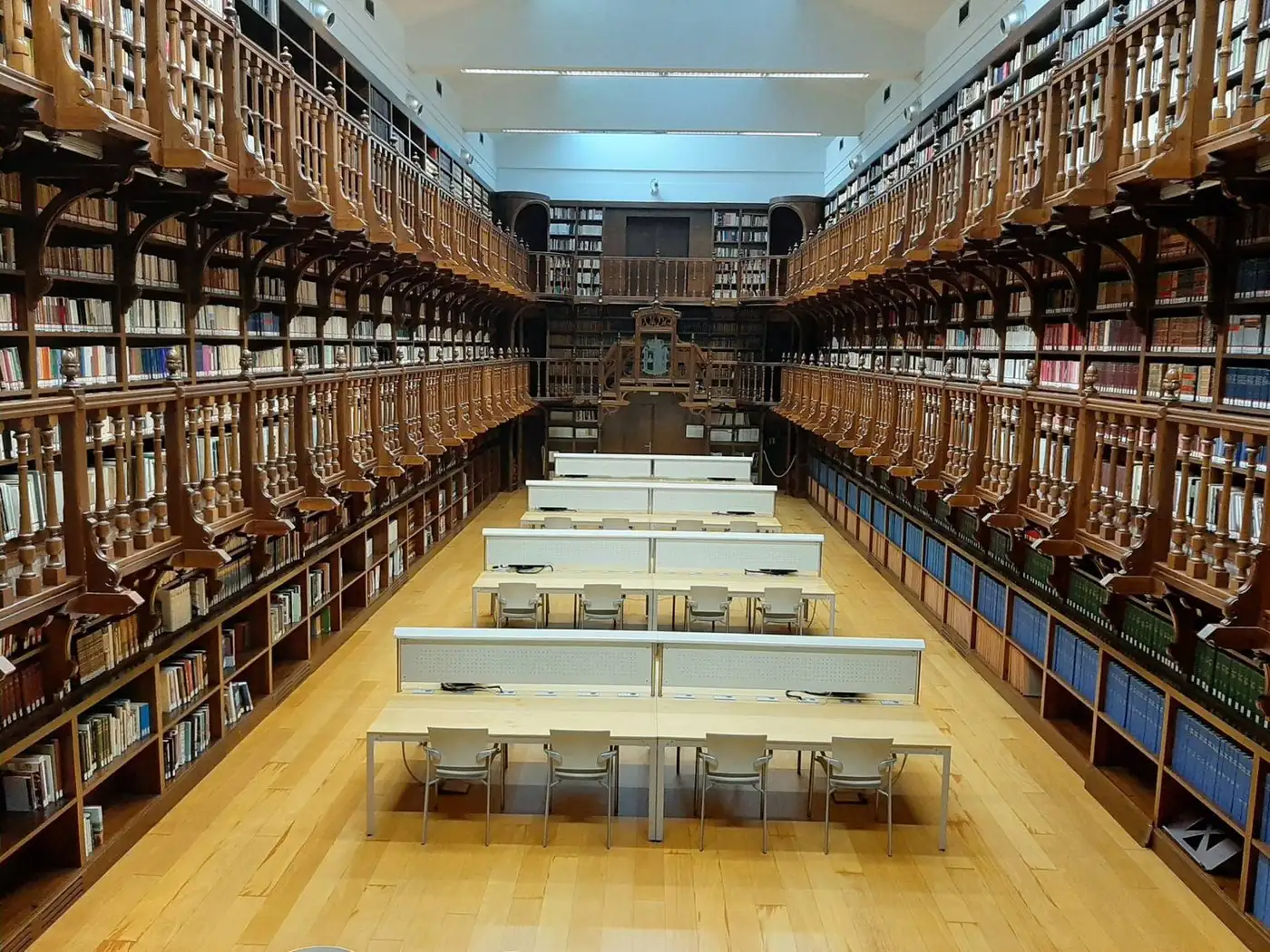
Materials are marked with custom tags by subject, type or collection. The same material can be found in different ways through multiple tags.
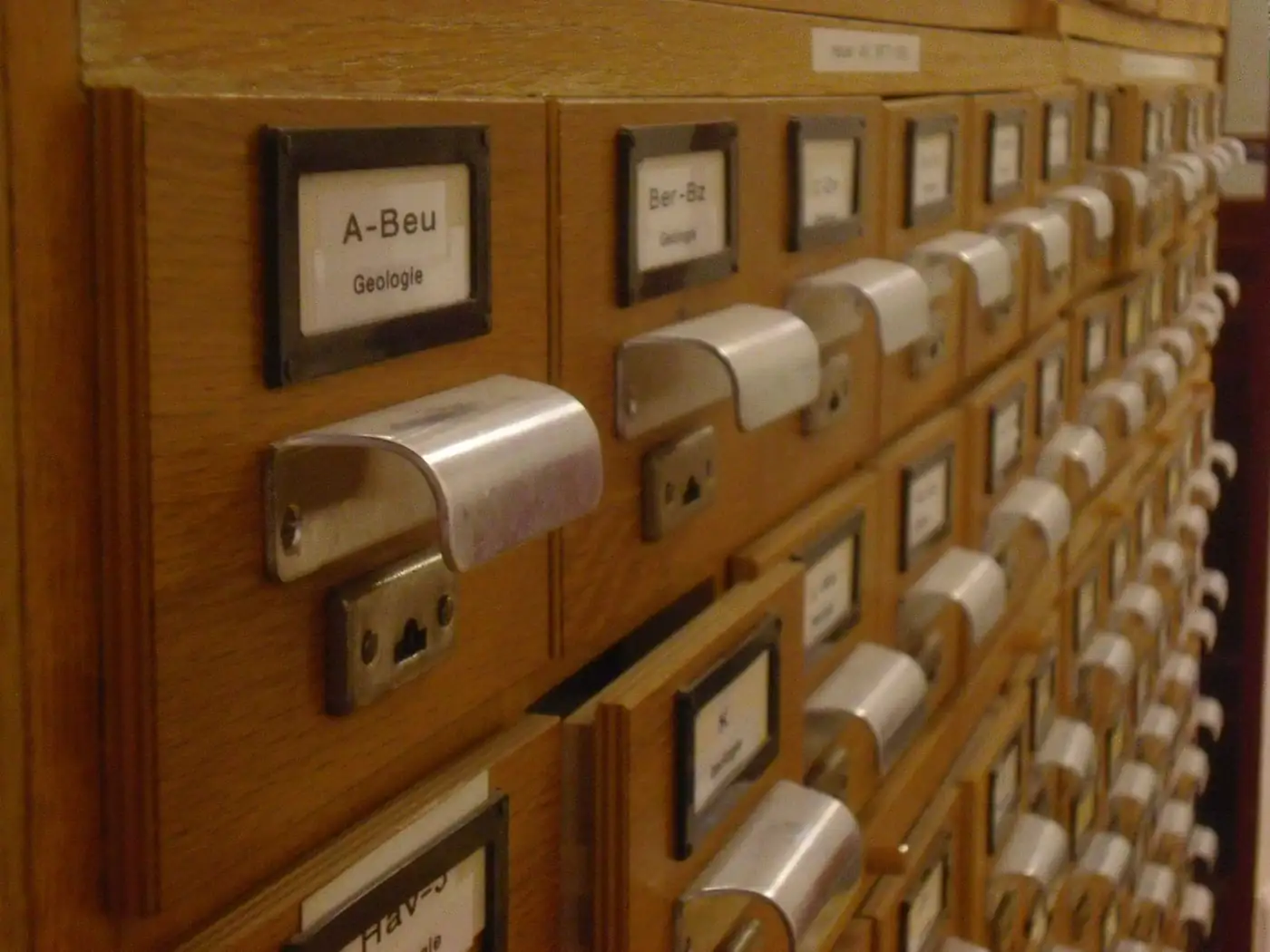
Only authorised users and groups can access restricted material. Actions in the system are recorded with advanced logging, and processes are followed through notifications.
Infrastructure
Runs in the browser; mobile-friendly and flexible interface.
Sign-in with an organisation or university account.
Data exchange with other library and organisational systems.
Access by collection and user group.
Setup
It is decided which materials will be digitised first and in what order of priority.
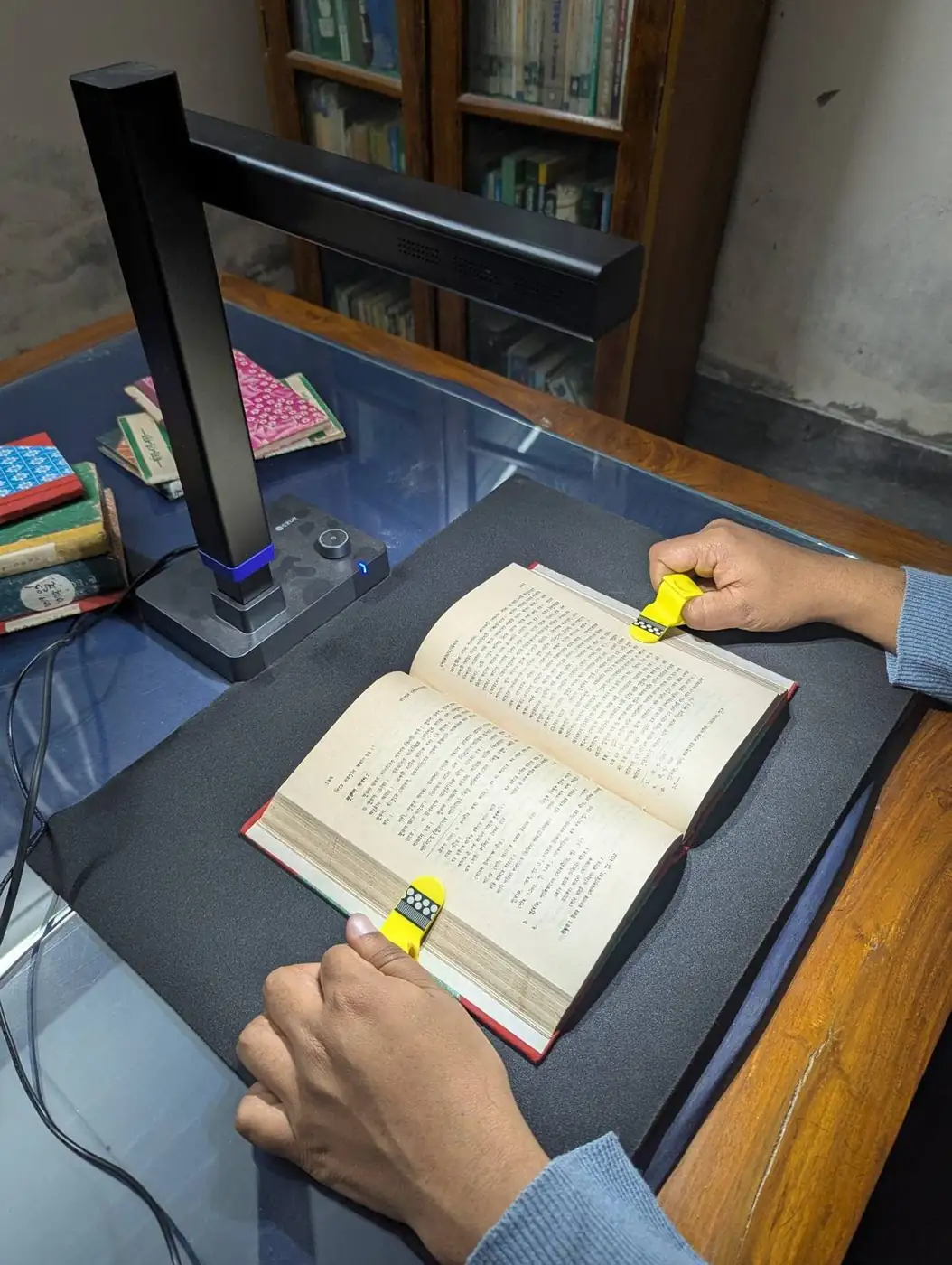
Material is scanned with a scanner suited to its type (book scanner, flatbed, large format).
Subject, type and collection tags are designed.
Files are uploaded via the web, OCR runs and the results are checked.
User groups and restricted material are configured, and the collection is opened for access.
Use cases
Subject-based access to theses, articles and periodicals.
Digitises cultural heritage and controls access.
Manages in-house documents and publications centrally.
Tags and classifies rare works and tracks processes.
The quality of the OCR result depends largely on the quality of the scan. Consider the following points when planning.
FAQ
This software focuses on the searchability, tagging and authorised access of the digital collection. For classic library automation needs such as lending, cataloguing and reader registration, you can see our library solutions page or contact us.
Material is uploaded to the system, goes through OCR and becomes a searchable PDF. This way, searches are made not only in titles but within the text itself.
Yes. Uploading is done through the browser; no separate desktop application is needed.
Custom tags are defined by subject, type or collection; materials are classified and filtered with these tags.
Only authorised users and groups can access restricted material; the permission structure is dynamic and actions are logged.
Standard OCR does not reliably read Ottoman Turkish print and manuscripts. Our transcription service is offered separately for these collections; the resulting text can be linked to the collection.
Our software products
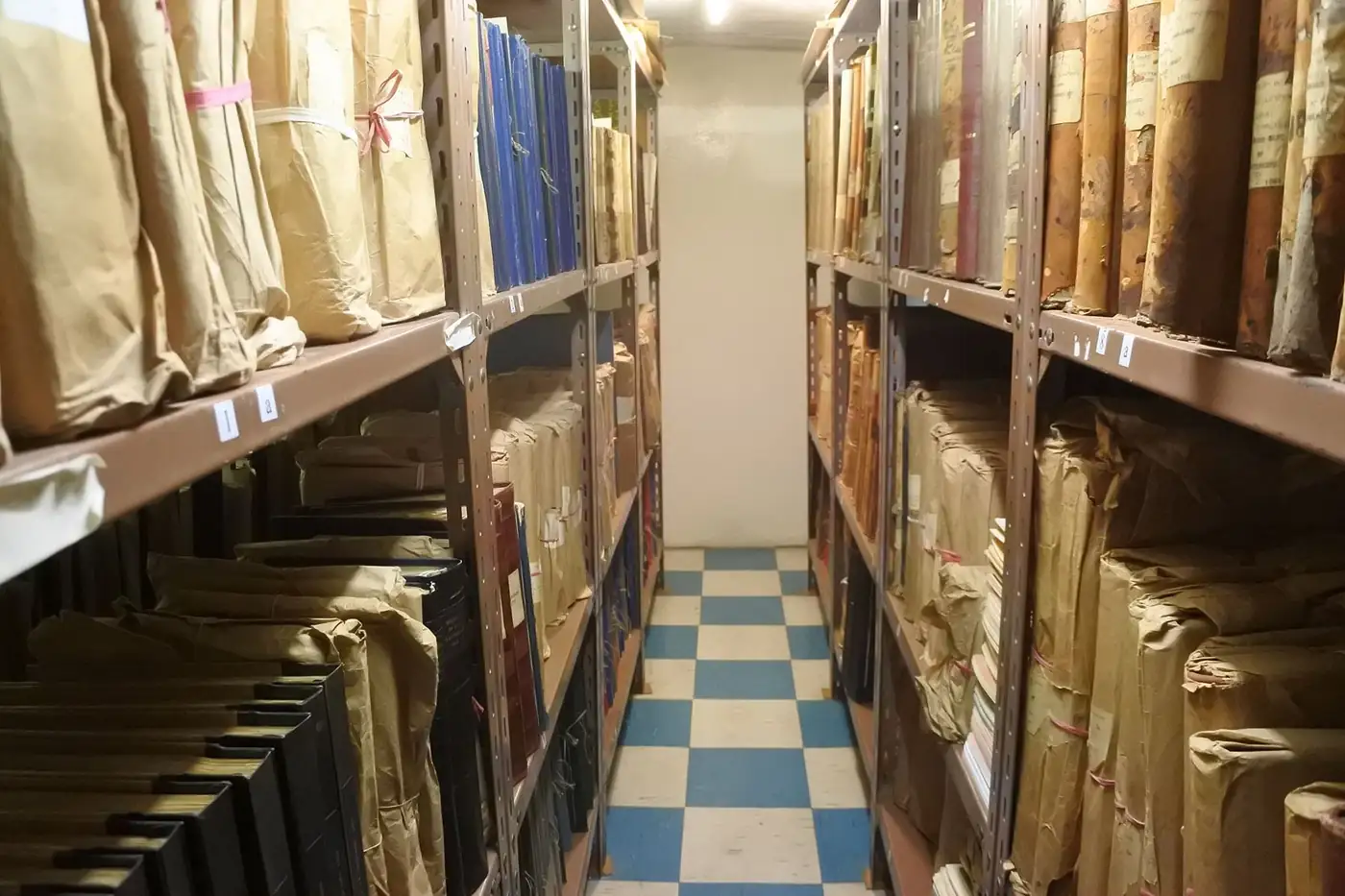
File plan, location, loan-return and destruction tracking for printed archives.
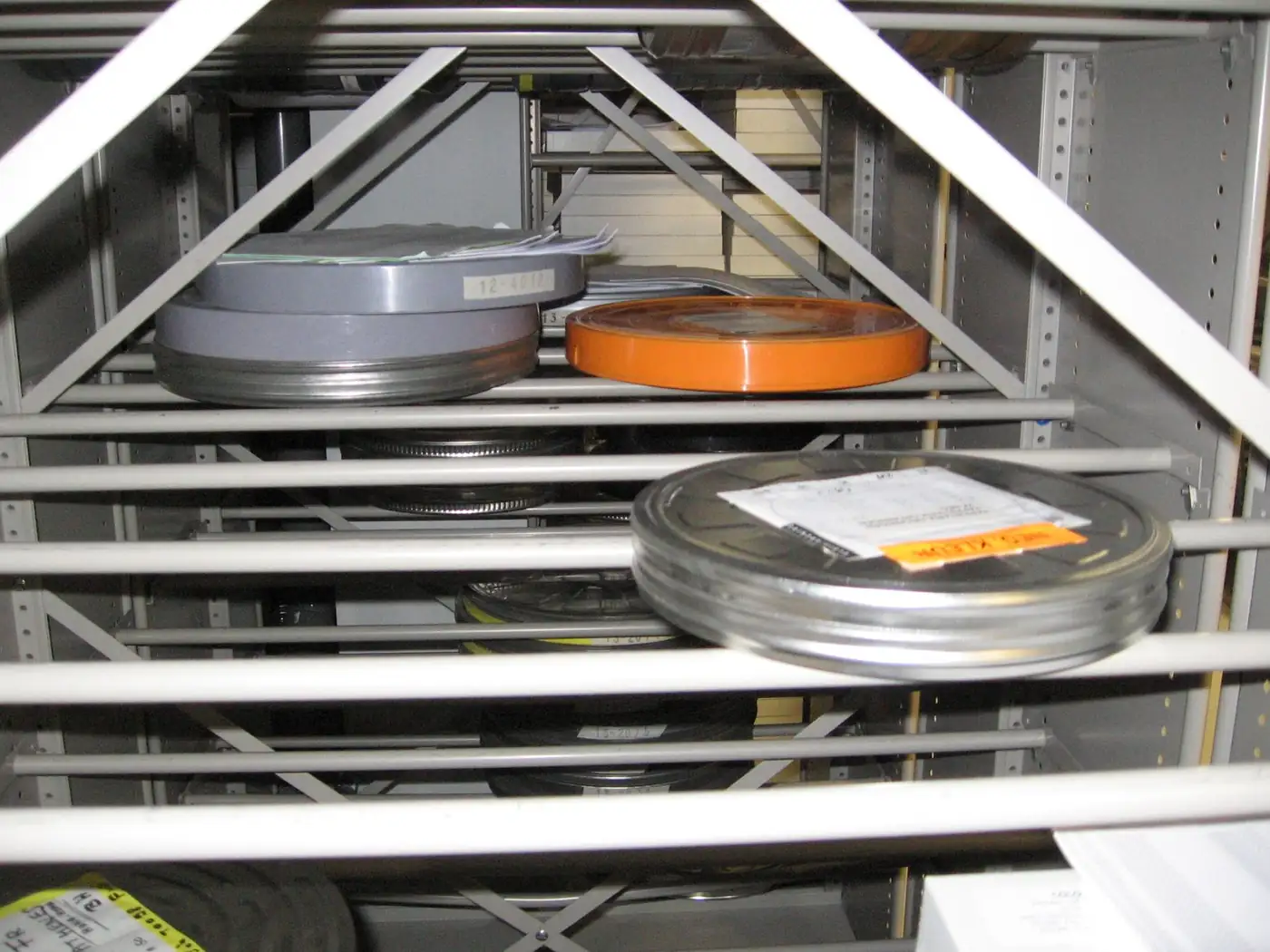
Face recognition and speech-to-text search across video, audio and photos.

Corporate directory, custom fields and bulk email and SMS to groups.
Next step
Tell us about your organisation’s needs and your existing infrastructure, and we will define the product, installation, training and support in a single proposal.
Your organisation, number of users and requirements.
See the product in action with your own scenario.
Scope, timeline and support are provided in writing.